Citta - A Personal Meditation Tracking App
Citta (चित्त) is a Sanskrit word meaning “mind” or “consciousness” — the very thing we seek to still in meditation. Citta is a meditation (ಧ್ಯಾನ) helper app. It helps you time your meditation session, capture your experience, and track it as a habit. The app itself is local-first, data-portable and minimalist. What are these - you may ask?
- Local-First: All the data generated with this app is stored in the local file within your own mobile. It is not stored in some cloud or remote data center. It is totally up to you to decide how you want to use this data. You can just leave it there or use other apps to back up those files where you are comfortable storing them.
- Data-Portable: The data generated by this app, which includes your configuration of the app as well as meditation experience notes, are stored in a JSON file. You can export this JSON file to anywhere you feel comfortable. Then, you can import that file into some other phone’s citta app and use it, or you can build on top of that file.
- Minimalist: It has basic settings and features. The app’s only job is to help you in your meditation. How you want to meditate is up to you. It will give you tools like timer/stopwatch; help play some soothing meditation background music or a mantra/chant; provide start, end, interval bells for your meditation session; record your thoughts; or show stats. It will not ask you to log in, it will not ask you to upgrade to a pro version, it will not ask you tons of questions to personalize your experience. Your personalized experience is the meditation itself, not the app. The app is only a supporting tool.
Why Did I Build This App?
I am not a pro in meditation, but I meditate every day for 15 minutes (if you do not meditate, do try it — it is simple and nice). I used multiple apps to time it as well as track my meditation sessions. I initially started with Google Clock, then slowly tried out various apps like Sattva, Idanim, Dhyana, etc., and finally landed on Insight Timer. Google Clock is very minimalist but I had issues with the sound and the lack of customization I needed. The rest of the apps had too many features, and I did not want so many features. For many, I had to log in for the app to even start working. Meditation is my personal space and I do not want an app to intrude on that experience. Insight Timer was the closest I liked, but again it had too many options, questions, and features, and it kept asking me to become a pro member. I also practice periodic reviews — weekly, monthly, yearly. It would have been nice to capture those meditation thoughts in the app and pull them into my periodic reviews. So, ideally I want to build simple workflows on top of the data the meditation app is generating — maybe some visualization or just documenting these notes into my general Obsidian vault. So, I decided to build a minimalist, local-first and data-portable meditation helper app.
The plan to build this app was in my to-do list. As the age of LLMs started, I thought — why not build this app using LLM-assisted agentic coding. I will learn about agentic coding and build the app at the same time. (The experience of developing using LLMs — I will talk about it in a separate blog and link it here ToDo)
What are the Features of this App?
- Timer with countdown and stopwatch modes
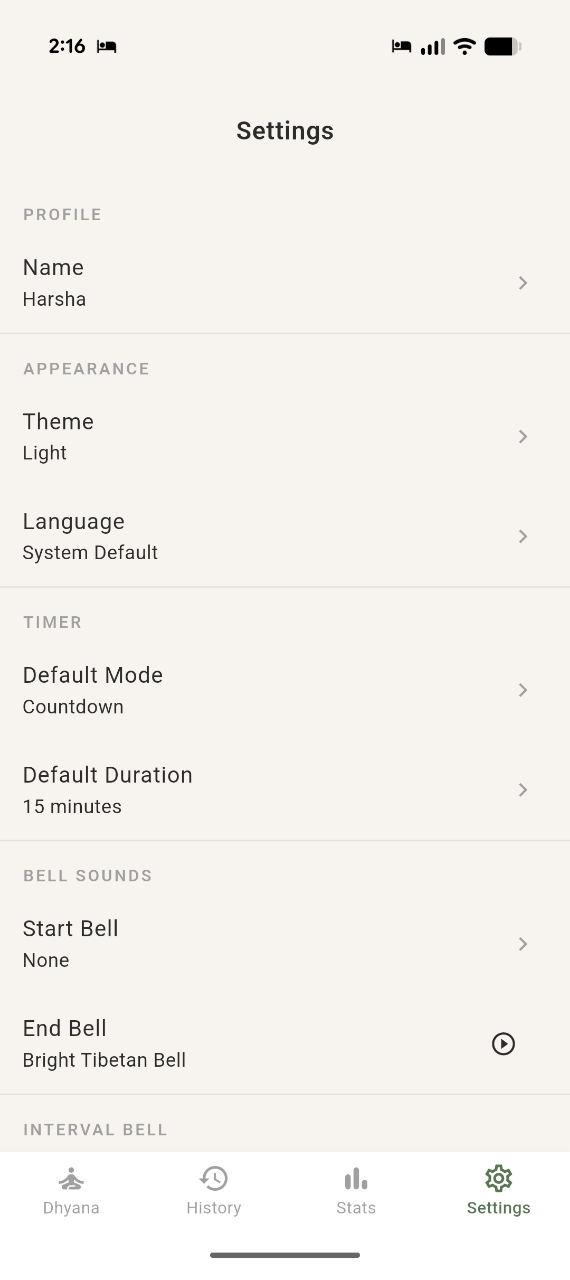
- Configurable bell sounds (start, end, interval)
- Configurable background music during meditation session
- Post meditation session notes with tags and markdown support
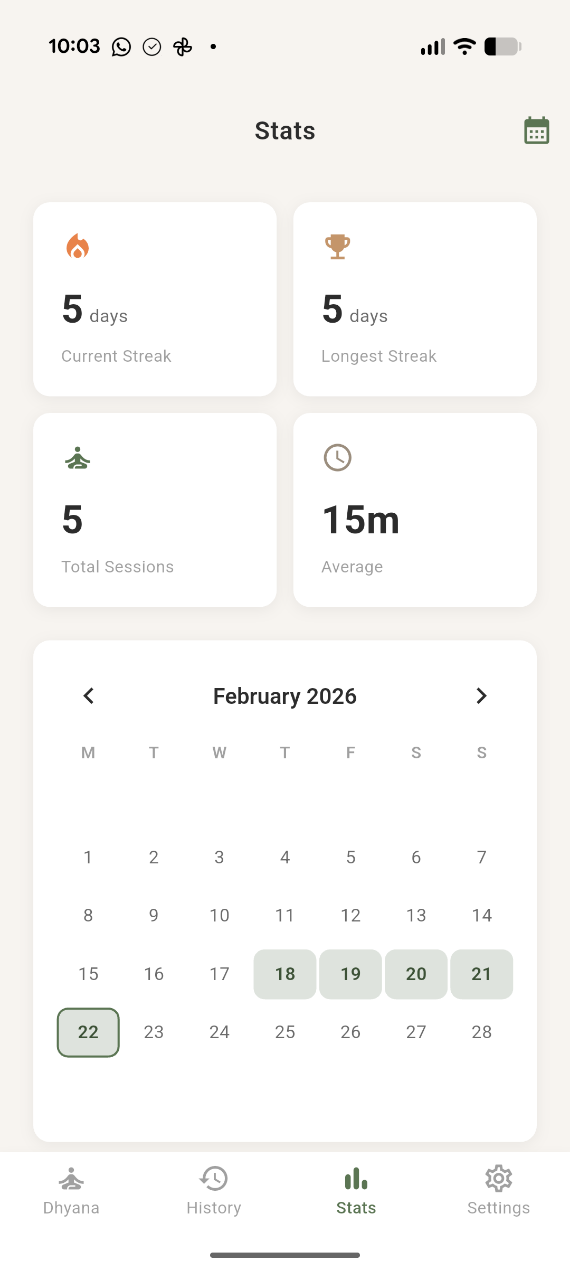
- Consistency tracking (streaks, stats, calendar)
- Daily spiritual quotes (Bhagavad Gita, Yoga Sutras, Upanishads, and more)
- Export/import config and data
- Multi Language Support (25+ languages including Sanskrit)
Home Screen
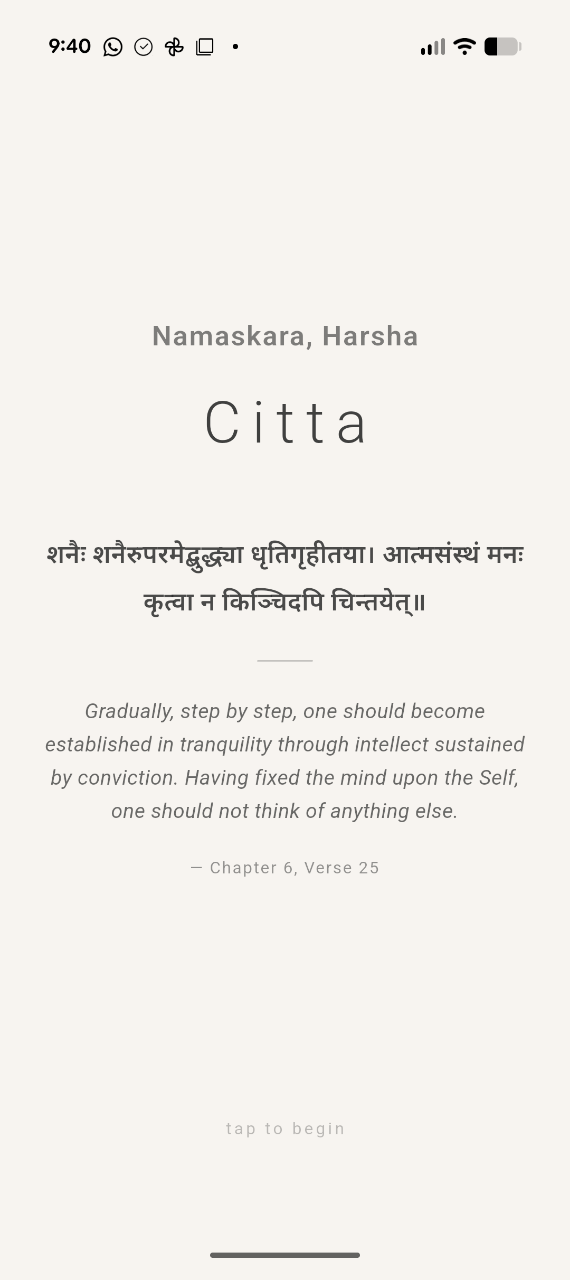
Meditation Start Page
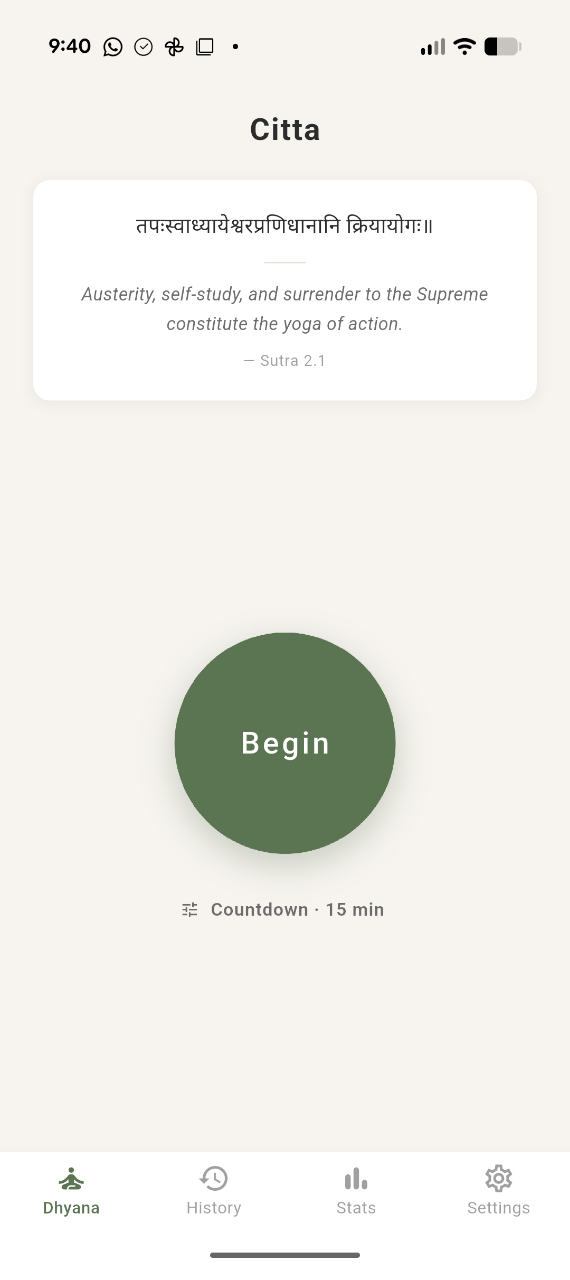
Timing the Meditation
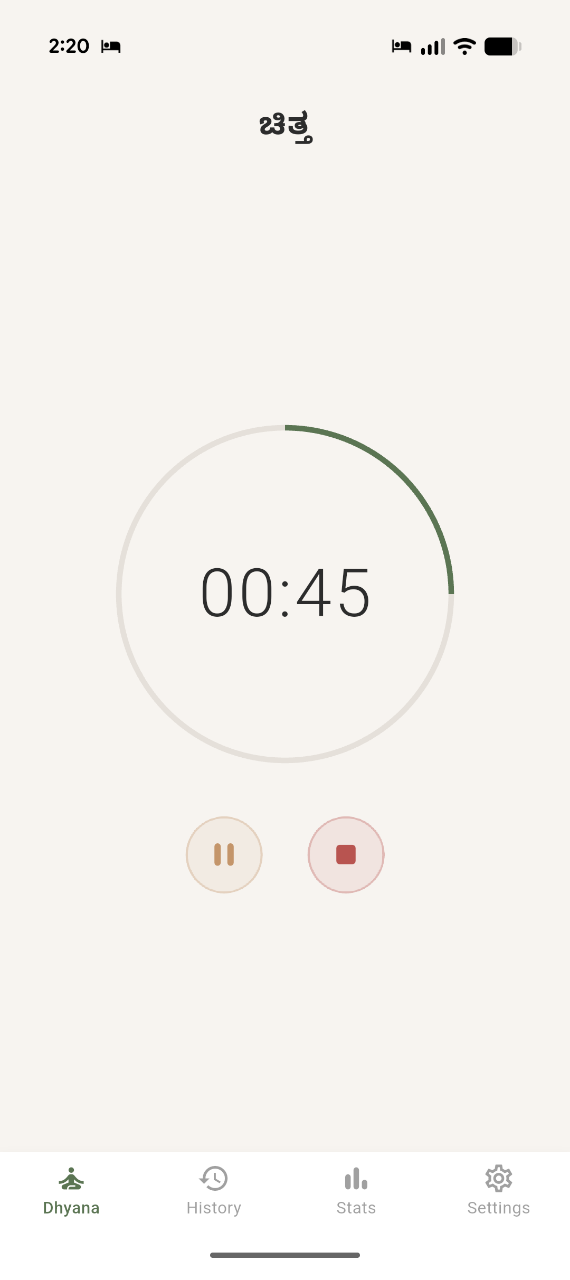
Capture Thoughts and Experience Of Meditation
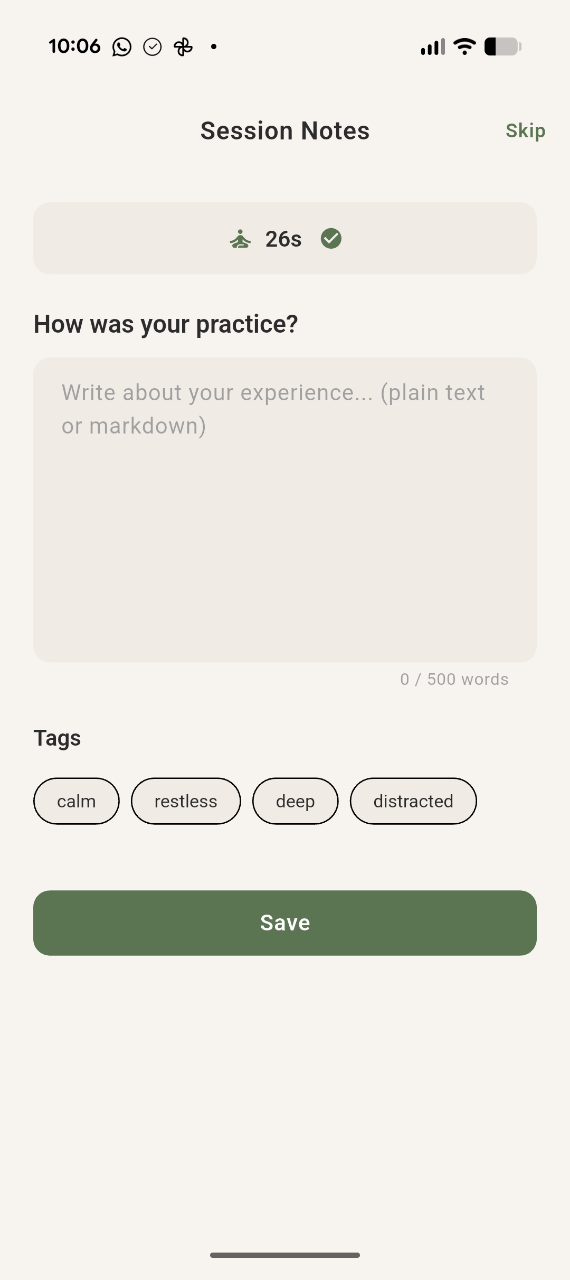
Stats Page
Settings Page
Development
- Github link: citta repository
- Framework: Flutter (Dart) — iOS + Android single codebase
- Storage: JSON files with atomic writes + backup for crash safety
How Do I Install It?
As of now the app is not yet published in the App Store for Android or iPhone. Since the app is not yet on the Play Store, you’ll need to install the APK directly by enabling developer mode on your Android phone. (I only have an Android phone, so iPhone instructions are not covered here.)
- Enable Developer Mode on your Android Phone
- Example, for Google Pixel, Go to “Settings > About phone > Build number”. Tap “Build Number” 7 times to enable developer mode.
- Download the latest APK from the GitHub releases page
- Open the downloaded file. This will install the app on your phone.
Future Work
- Publish this to Android Play Store
- Publish this to iOS Play Store
Support
Give it a try! If you run into any issues or have suggestions, feel free to reach out or raise an issue in the GitHub repo